Maya Errors
Common Maya errors when making custom skins for League of Legends, and how to fix each one.
No Skin Cluster Found
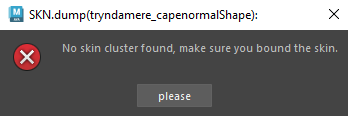
You forgot to bind a mesh in your group. Check the meshes and if they are bound to the skeleton.
Too many Vertices
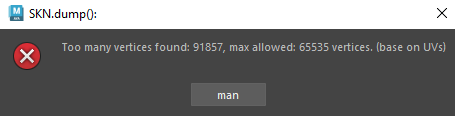
Go to Blender and decimate your model.
Multiple Materials
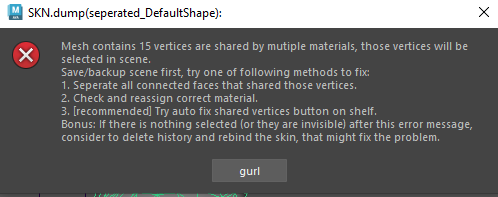
The best tip to separate materials is to go into F11 (face selection mode) and only select the parts you want to be separated with a double click, then assign a new material.
4+ Influences
"Too many influences" means a vertex is affected by more than 4 bones, which League of Legends doesn't support.
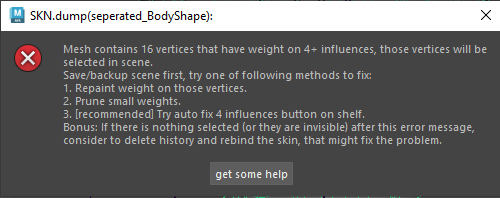
To fix it:
- First click on the mesh
- Then press the "Auto fix 4 influences" button in the LoL-Maya shelf
It will automatically limit each vertex to a max of 4 bone weights.